
Smarter Right Click in OS X

I found myself in the mouse system preference pane tonight and noticed a little checkbox ...
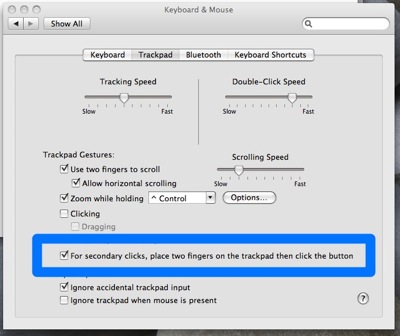
"For secondary clicks, place two fingers on the trackpad then click the button"
Hmmm.
I checked it and then put two fingers on the trackpad while clicking a desktop icon. It gave me the drop down menu consistent with a right click!
How come I never noticed this before. Now I can right click with one hand. Am I the only one that didn't know about this?